 BuildSheet
Step by step
- Open the wishlist for your vehicle.
- Add the parts you are considering, with an estimated price where you can.
- Use the wishlist to see roughly what your next round of mods will cost before you commit.
- When you buy a wishlist item, log it as an expense so it moves from planned to actual spend.
Plan before you buy
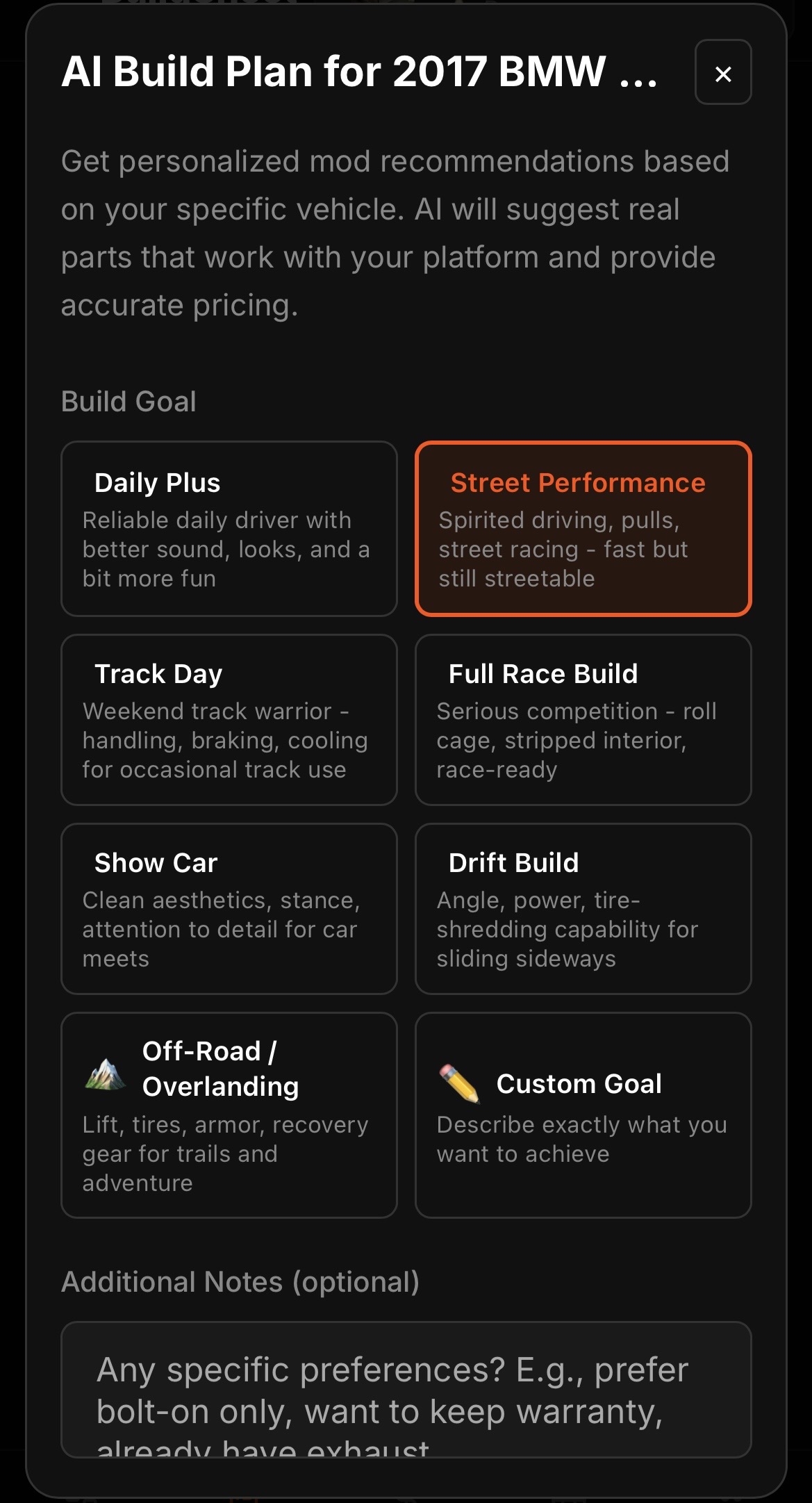
The wishlist exists so one upgrade does not quietly create three surprise purchases. Reviewing it before you buy keeps the build intentional and the budget honest. For a guided plan, try the AI Build Advisor.