 BuildSheet
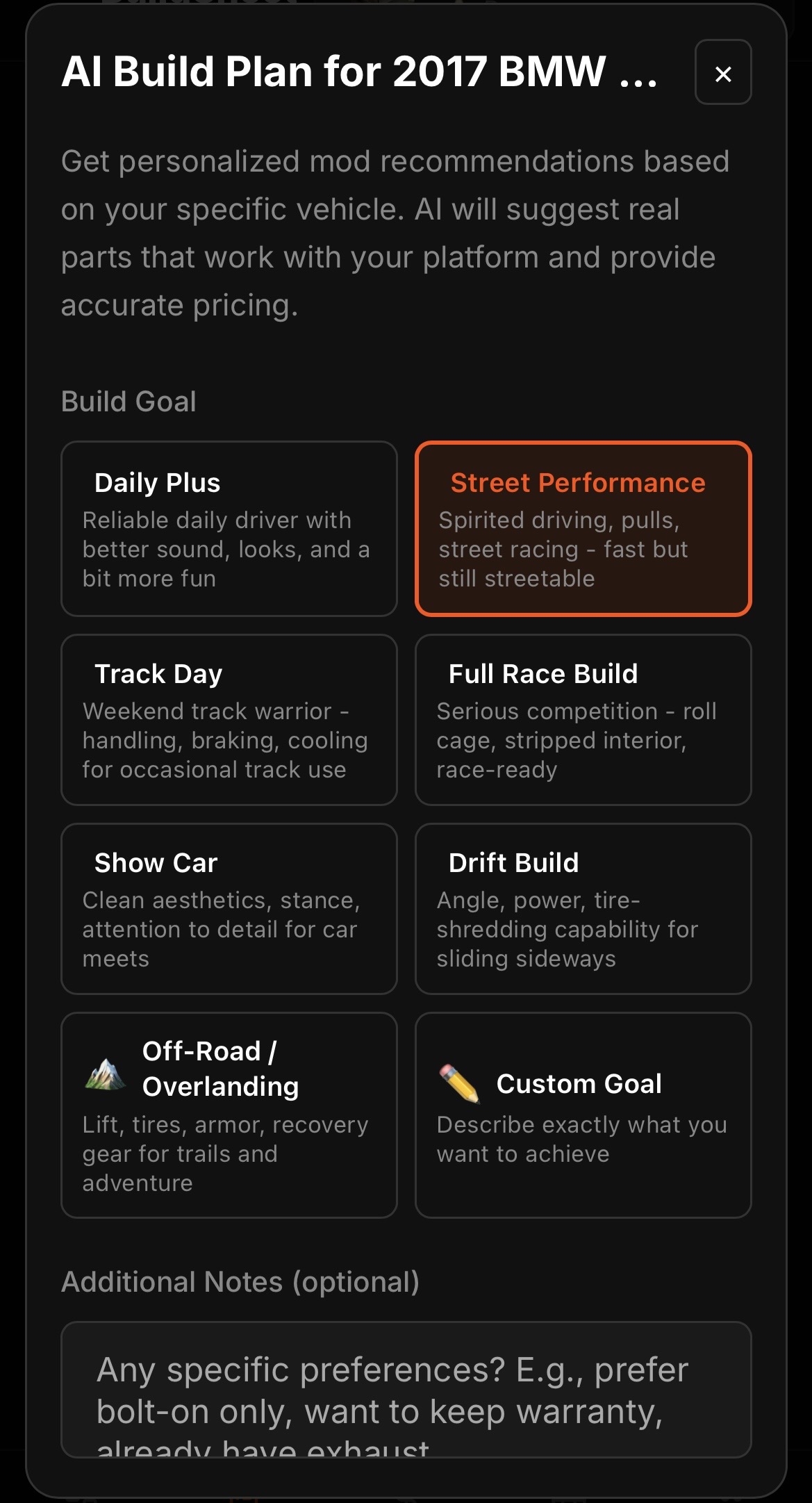
Step by step
- Open the build plan tab and start the Build Advisor.
- Confirm your vehicle details and set your goal, such as daily driver, track, drift, show, or drag.
- Let the advisor generate a recommended set of modifications with estimated costs.
- Review the plan, keep the parts that fit your budget and direction, and adjust the rest.
- Move items you commit to into your wishlist or log them as expenses when you buy.
What the advisor is good for
The advisor is best at answering "what should I do next and what will it roughly cost" without you piecing it together from forum threads. Treat the numbers as planning estimates, then confirm real prices before buying.
Free vs Pro
The free plan includes one AI build plan for the lifetime of the account. Pro unlocks unlimited planning so you can re-plan as your goals change.