 BuildSheet
Step by step
- Upgrade to Pro to unlock AI Parts Search.
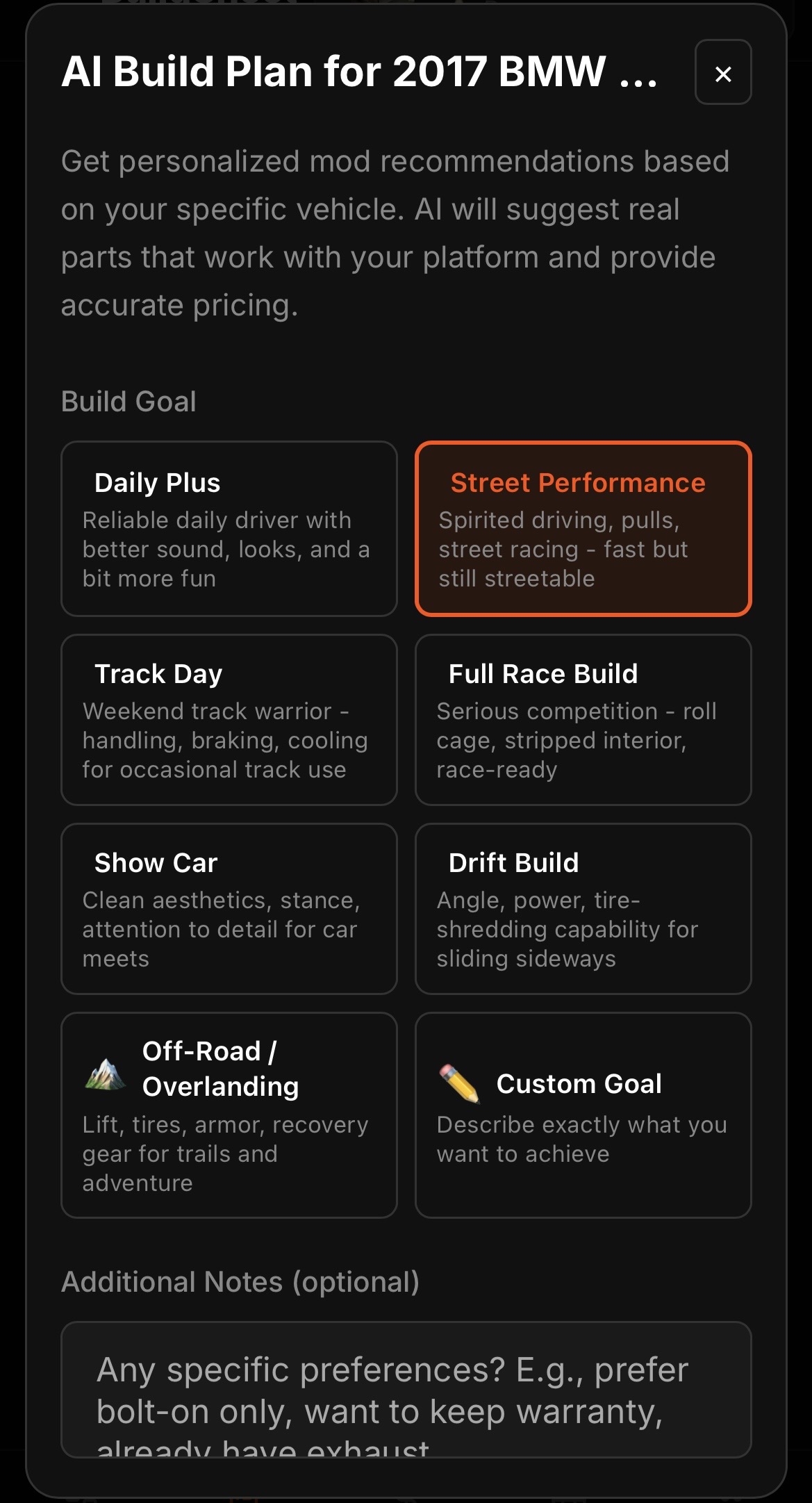
- Open parts search and describe what you are looking for, such as a category or a specific upgrade for your platform.
- Review the suggested parts for your vehicle.
- Add the ones you want to your wishlist, or log them as expenses once purchased.
A Pro feature
AI Parts Search is included with Pro. If you are on the free plan, see Managing your subscription to start a free trial.