 BuildSheet
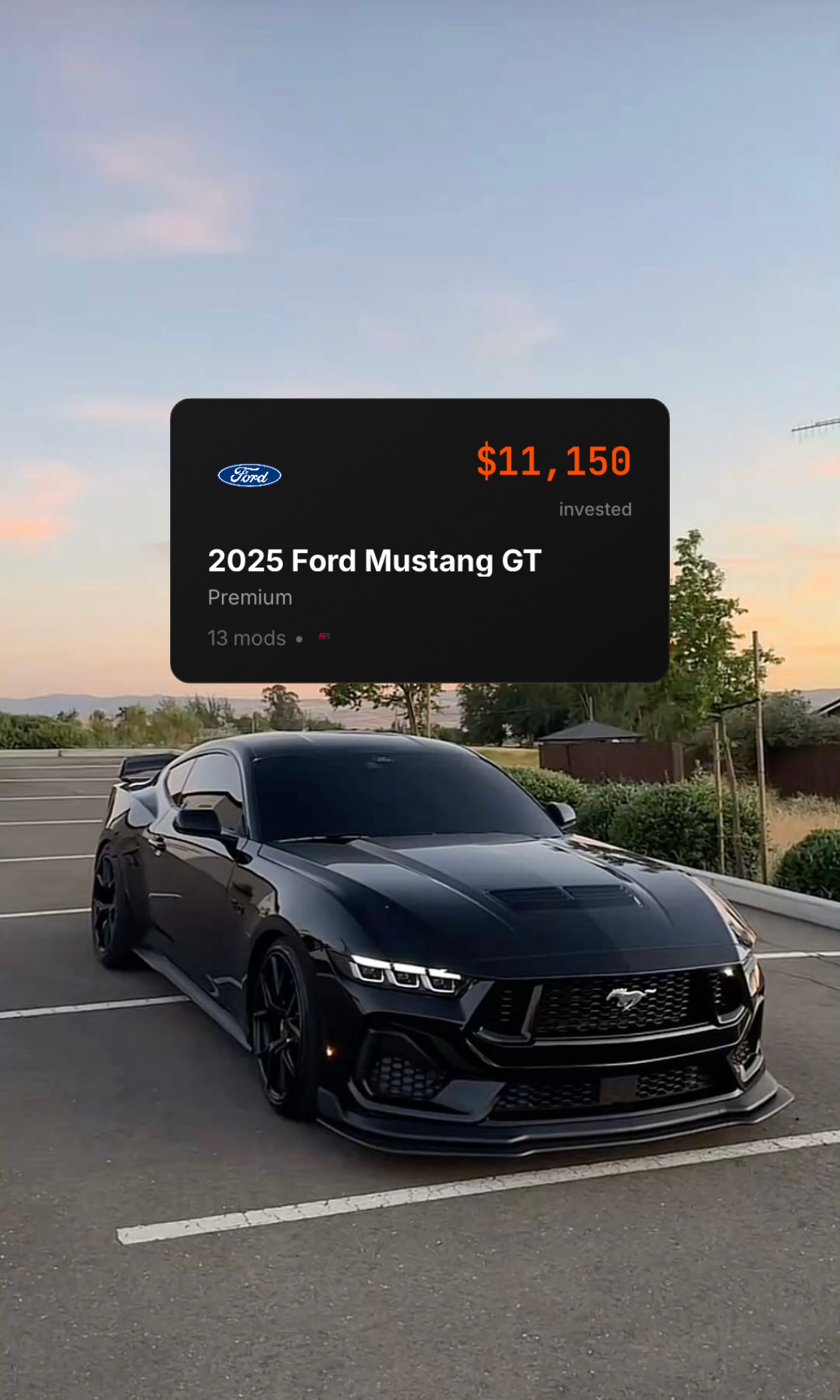
Step by step
- Open your vehicle and choose Share to generate a share card summarizing your build.
- Post the share card to social media or send it to a buyer or shop.
- Choose Copy Text when you need a clean pasted summary for a sale listing, Marketplace description, Reddit post, or forum thread.
- For a full document, export your build sheet as a PDF (Pro). This is ideal for resale, insurance, or car shows.
- On Pro, add custom branding so the exported sheet looks like your own.
Share a link instead
If your build is published, you can share a link to it: open the build in the feed, tap …, then Share. Anyone can open that link and see a quick view of your build without an account. See Publishing to the feed.
What Copy Text is for
Copy Text turns your vehicle, mileage, mods, and maintenance history into a concise plain-text record. It is useful anywhere an image or PDF is awkward: classified listings, forum replies, messages to buyers, or shop intake notes.
Free vs Pro
Share cards and copied text summaries are available to everyone. PDF build sheet exports and custom branded sheets are Pro features. If you need a polished document for selling the car, Pro is the tier that unlocks it.