 BuildSheet
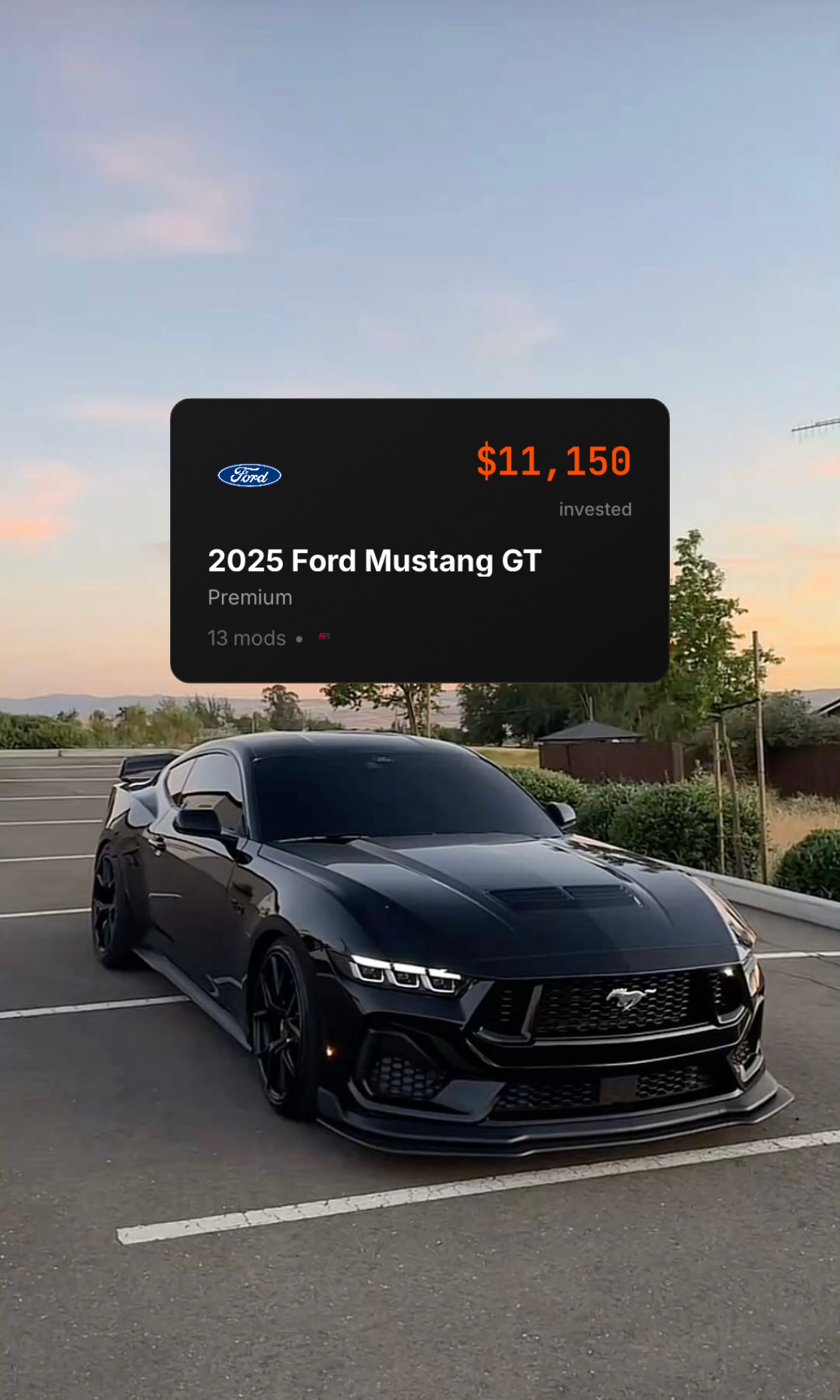
Step by step
- Set up your profile with a username and avatar from account settings.
- Open your vehicle and choose to publish the build to the community feed.
- Confirm what appears on your public build page: mods, photos, and progress.
- Publish. Your build becomes a shareable page and appears in the community feed.
- To share it, open your build in the feed, tap …, then Share to copy its link.
- Engage with other builds by liking and following the ones you want to follow.
A cleaner record than a social post
A published build page is a single source of truth for your parts list, photos, and progress, which is far easier to follow than a scattered social post or forum reply chain. You can link it anywhere.
What people see without an account
Anyone who opens your build link can see a quick view of the build without signing in: your photos, vehicle, horsepower, total invested, part count, description, and your first 10 parts. To see the full parts list, like, follow, comment on a part, or message you, they sign up or sign in. Once they do, BuildSheet takes them straight to your build.
Keeping it current
Your published build updates automatically as you log mods and expenses, and your vehicle's horsepower stays in sync when you change it, so a new tune shows up on your public page without republishing.