 BuildSheet
Step by step
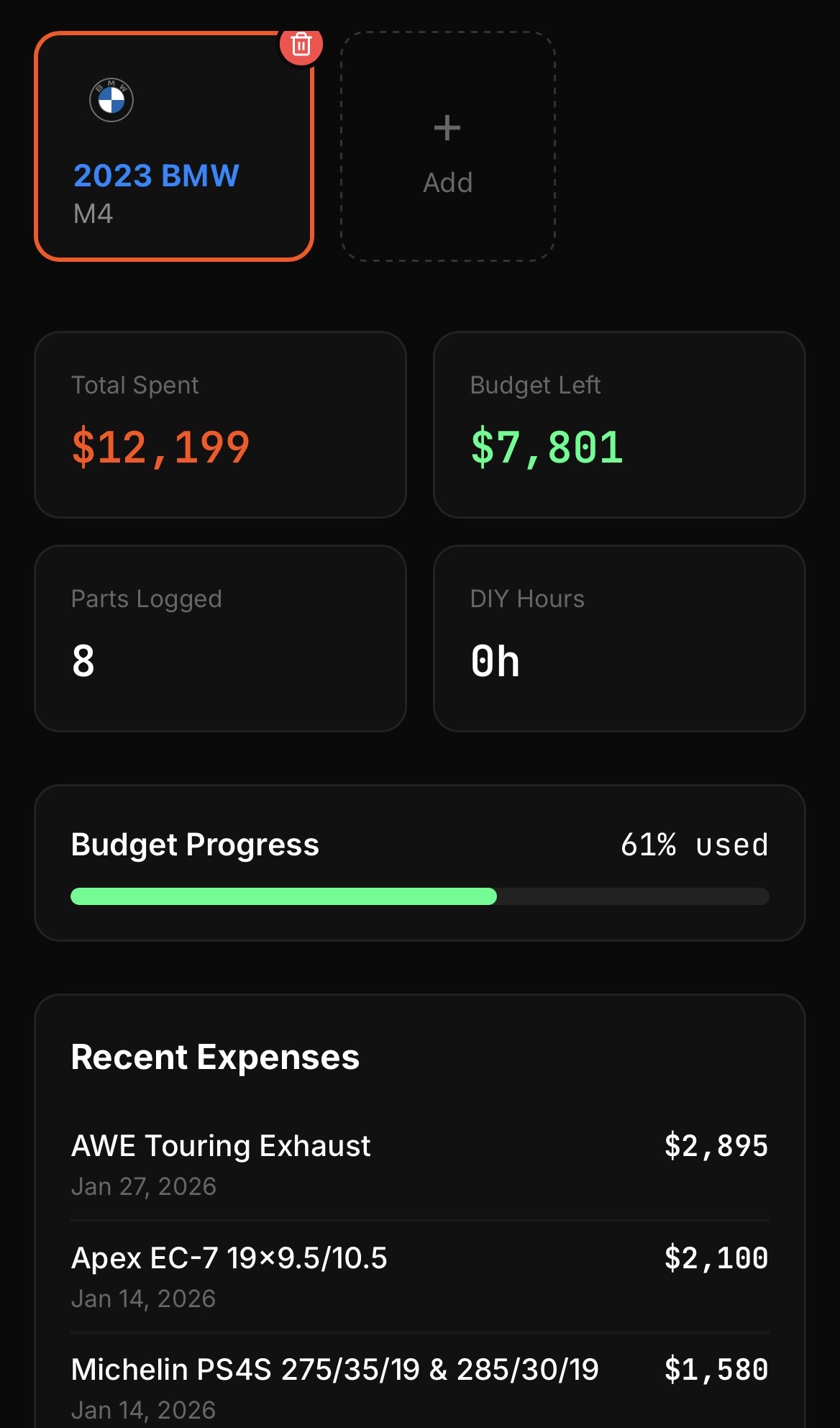
- Open the app to land on the dashboard for your currently selected vehicle.
- Read the build total at the top. This is the real running cost of everything you have logged: parts, labor, tax, shipping, and small hardware.
- Check the daily value card for an at-a-glance snapshot of your build and its progress.
- Use the bottom navigation to jump between the dashboard, expenses, maintenance, photos, build plan, and the community feed.
- Switch vehicles (Pro) from the vehicle selector to see a separate dashboard and total for each car.
Why the total matters
Most builds go over budget because the small costs disappear: shipping, tax, tools, fluids, and hardware. The dashboard total only tells the truth if you log those alongside the big parts. See Logging expenses and mods for how to capture them.