 BuildSheet
Step by step
- Open BuildSheet on the web or in the iOS/Android app and choose Create Account. Enter your name, an email from a regular provider (Gmail, iCloud, Outlook, Yahoo, Proton, Fastmail, and similar), and a password with at least 8 characters including a letter and a number. You can also continue with Apple or Google.
- Check your inbox for the confirmation email and open the link to activate your account, then return to BuildSheet and sign in.
- On first sign-in you are guided to add a vehicle. Enter the year, make, model, and trim so your build has a clear identity.
- Add engine, current mileage, and purchase details if you have them. These are optional but make your build sheet more useful for resale later.
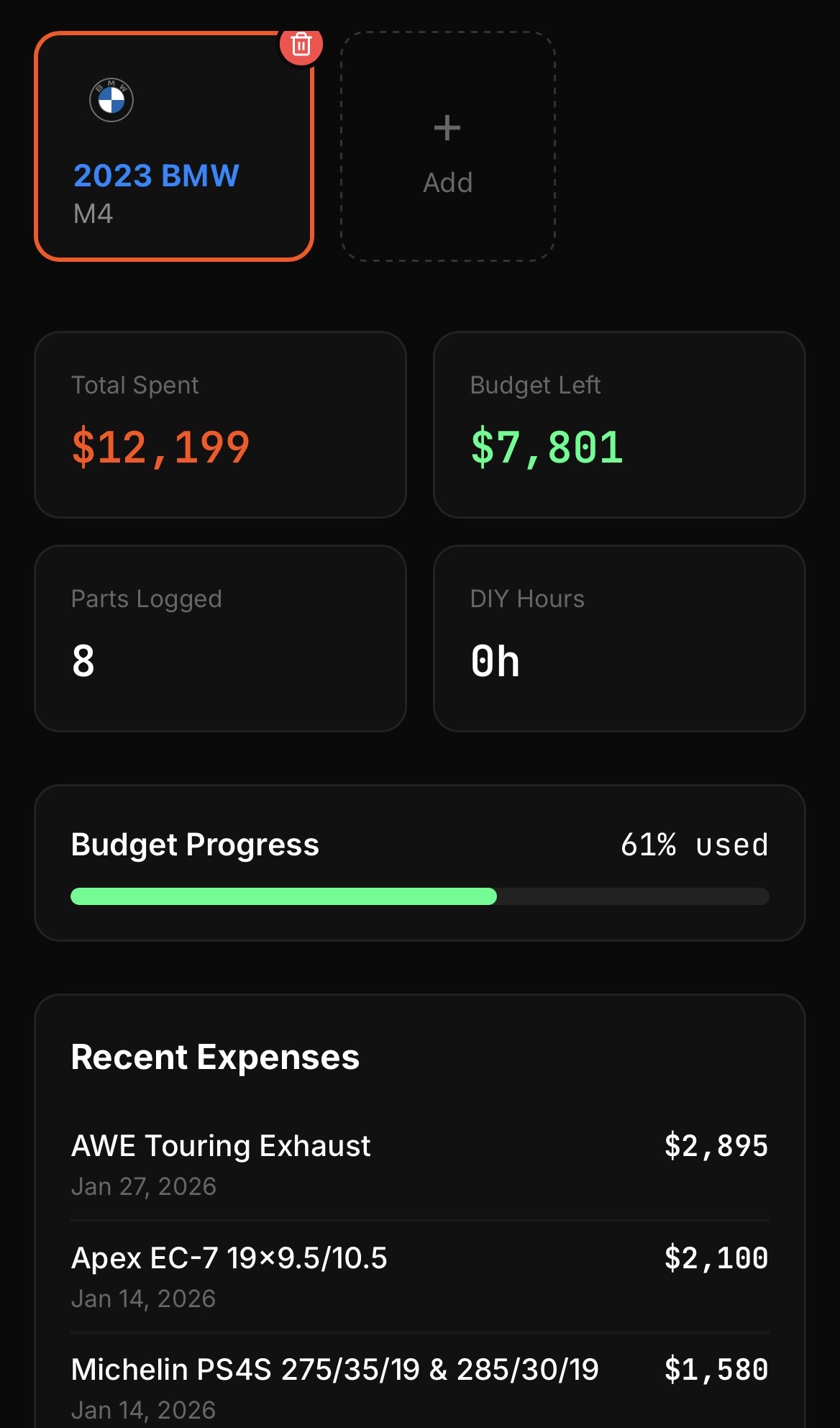
- Save the vehicle. You land on the dashboard, which becomes the home base for expenses, mods, maintenance, and photos.
Free plan vs Pro
The free plan includes one vehicle, which is plenty to get started. When you are ready to track a second car, or a project plus a daily driver, upgrading to Pro unlocks unlimited vehicles. See Managing your subscription for details.
Tips for a clean start
- Use the trim and engine fields even if they feel redundant. They make the difference between "a Mustang" and "a 2020 Mustang GT Premium" when someone reads your build sheet.
- Set the current mileage when you add the car so your maintenance history has a baseline.
- New accounts get a Get Started checklist on the dashboard. It is tracked per vehicle, so each car shows its own progress, and you can dismiss it for one vehicle without hiding it on the others.