 BuildSheet
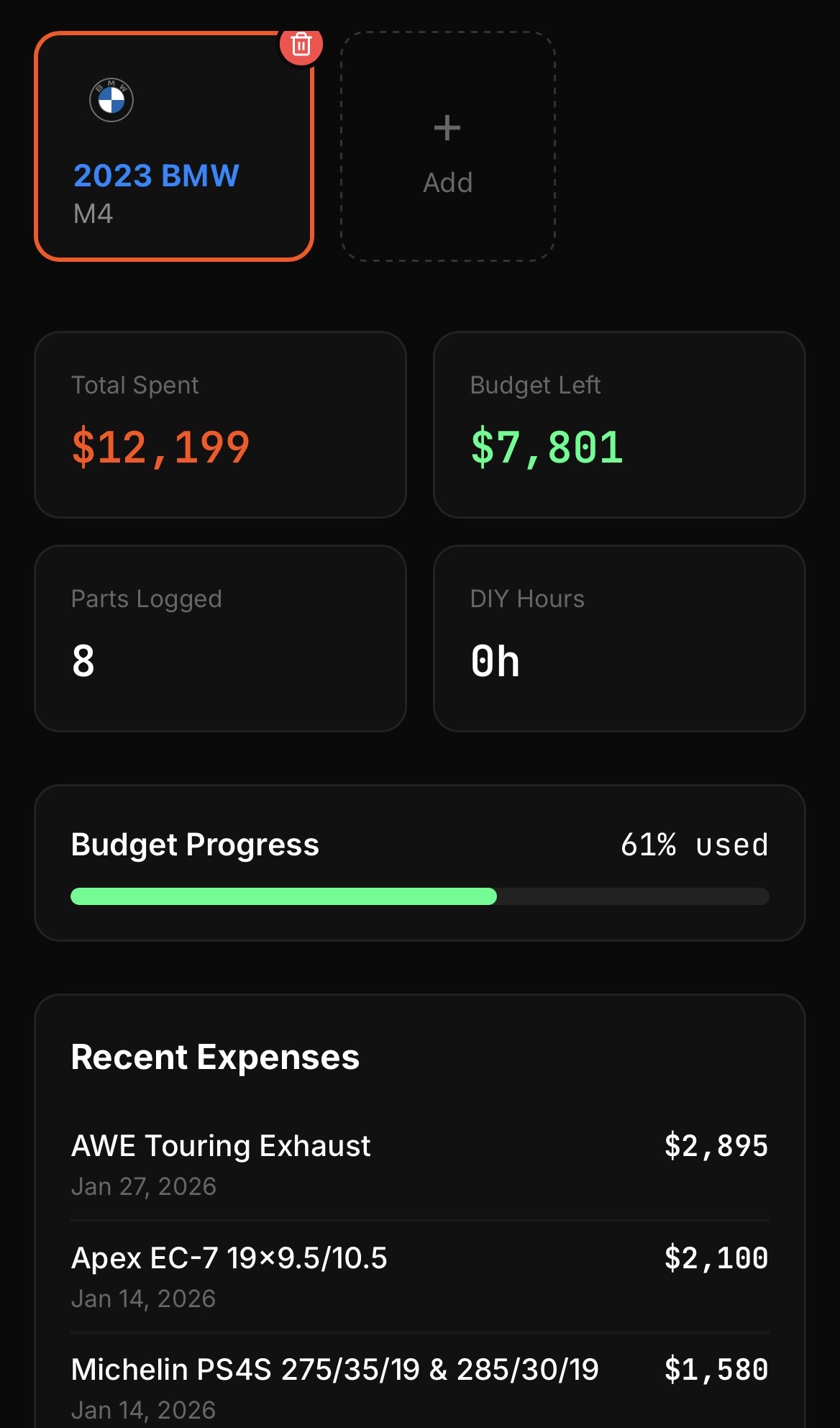
Step by step
- Update to BuildSheet 1.5.1 or later on iOS or Android.
- On iOS, long-press the home screen, tap the plus button, search for BuildSheet, and add the widget.
- On Android, long-press the home screen, choose Widgets, find BuildSheet, and drag the widget into place.
- Your build details appear on the home screen without opening the app.
New in 1.5.1
Home screen widgets shipped in version 1.5.1. If you do not see the widget, make sure the app is updated to the latest version. See the news page for the full release note.