 BuildSheet
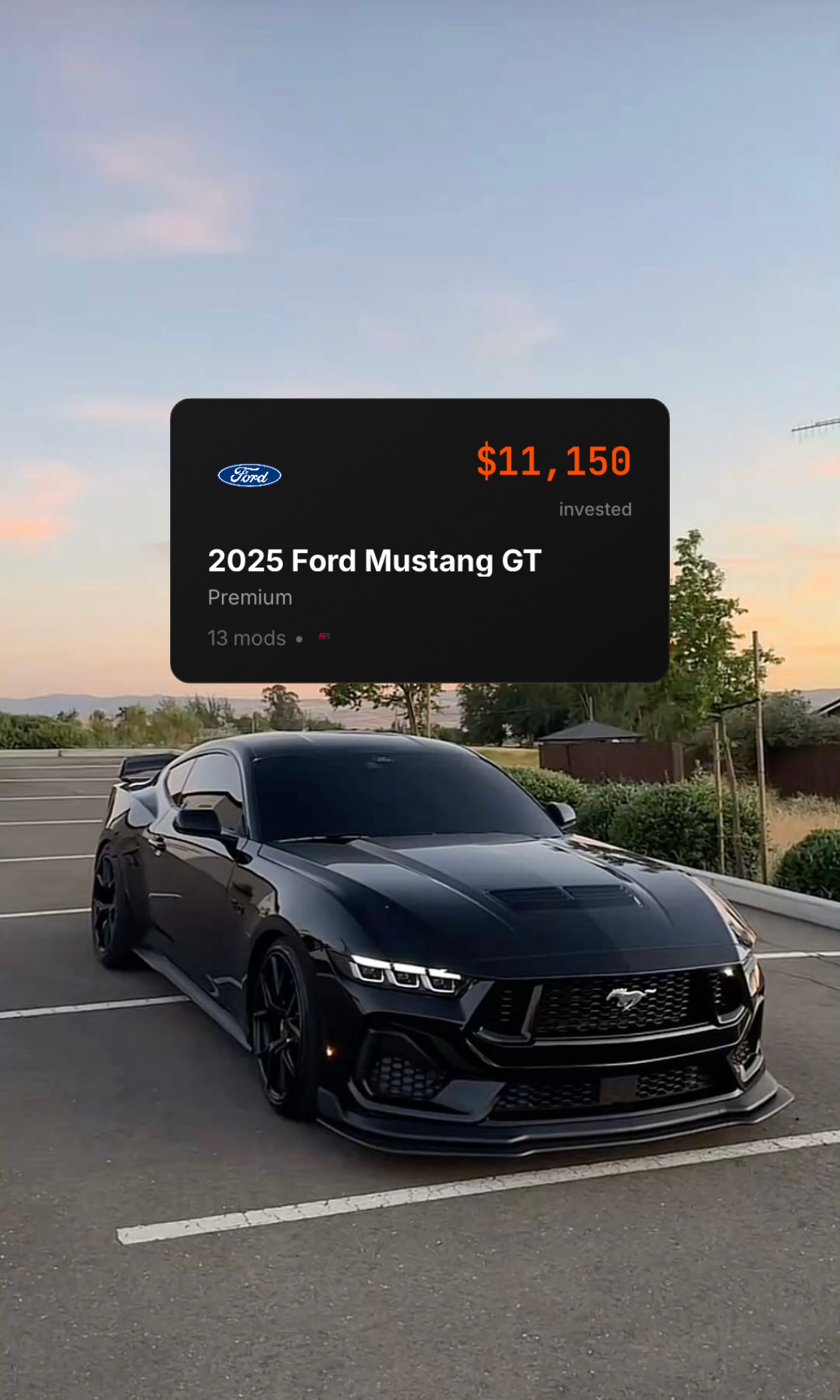
Quick answer: Choose BuildSheet if you want the best car build tracker for mods, receipt scanning, expenses, maintenance reminders, AI build planning, AI parts sourcing, progress photos, public build sheets, and build cost analytics. Choose Track My Mods if you want a clean, general-purpose vehicle log for modifications, repairs, expenses, events, media, receipts, future entries, and multiple vehicle types.
This is a real comparison. Track My Mods is not a weak competitor. Its public website and App Store listing show a serious vehicle logging app with mods, expenses, receipts, media, events, stats, future planning, CSV export, backup support, and a Plus subscription for unlimited vehicles and entries.
The difference is focus. Track My Mods is a flexible vehicle journal. BuildSheet is a car build tracker built around the cost, proof, planning, maintenance, photos, and public build sheet behind a modified vehicle.
This comparison was reviewed against the public Track My Mods website, the Track My Mods App Store listing, and the BuildSheet App Store listing on August 9, 2026.
The 30-second comparison
| BuildSheet | Track My Mods | |
|---|---|---|
| Best for | Car builders who want a complete build record | Owners who want a flexible vehicle log |
| Core workflow | Mods, receipts, expenses, maintenance, photos, AI planning, build sheets, sharing | Mods, repairs, expenses, events, future entries, media, receipts, stats |
| Receipt workflow | Publicly emphasizes receipt scanning and receipt-backed tracking | Publicly supports attaching receipts to entries |
| Cost tracking | Total build cost, categories, spending views, budget vs actual, exports | Total spent, future expenditure cost, costs by groups, CSV export |
| Planning | AI-powered build planning and parts sourcing | Future and wish-listed modifications, upcoming expenses, planned events |
| Events | Not the main focus | Stronger public focus: trips, meets, shows, track and competition |
| Sharing | Public build sheets, community feed, following, featured builds | Public pages focus more on private logging; advanced sharing/collaboration was not shown as a current public headline |
| Choose it if | You want BuildSheet to be the source of truth for the car build | You want a broad log for many vehicle types and event categories |
What Track My Mods is built around
Track My Mods positions itself around tracking "Mods, Expenses & Events." Its public website says users can track modifications, repairs, expenses, events, vehicle information, future or wish-listed modifications, upcoming expenses, planned events, images, videos, documents, links, receipts, and multiple vehicle types.
The Track My Mods App Store listing describes the app as a way to log vehicle maintenance and mods. It says users can track modifications, maintenance, expenses, events, and information; attach media and receipts; manage multiple builds; save vehicle specifications; see quick stats such as total spent, future expenditure cost, mod count, and last recorded service date; and categorize entries into modification, expense, and event groups.
Track My Mods also has some practical ownership features. Its App Store listing says the free tier allows one vehicle and 100 entries, while TMM PLUS+ provides unlimited vehicles and entries. Version history also mentions CSV/spreadsheet export and a backup feature.
Track My Mods looks strongest if you want:
- A straightforward vehicle journal
- Mods, expenses, repairs, and events in one app
- Future and completed entries
- Receipts attached to entries
- Photos, videos, documents, and links attached to entries
- Broad support for cars, motorbikes, trucks, 4x4s, boats, planes, and other vehicles
- Event categories like trips, meets, shows, and track or competition entries
- CSV export and backup support
That is a useful product. If your main need is a flexible all-vehicle log, Track My Mods deserves consideration.
What BuildSheet is built around
BuildSheet is more specific: it is built for people who build cars and want to know what the project actually costs.
The BuildSheet App Store listing publicly says users can scan receipts, log mods, track expenses, track maintenance, get reminders, add progress photos, share builds publicly, export complete build sheets, use AI-powered build planning, and view advanced analytics.
BuildSheet is strongest when the vehicle is not just something you own. It is something you are building, documenting, improving, and eventually sharing with other enthusiasts, shops, buyers, or the community.
BuildSheet is the right app if you want:
- A dedicated car modification tracker
- Receipt scanning instead of only attaching receipt photos manually
- Total build cost in real time
- Expense categories for systems like engine, suspension, and interior
- Monthly and yearly spending views
- Budget versus actual comparisons
- Maintenance logs and reminders
- Progress photos tied to the build
- AI-powered build planning
- AI parts sourcing
- Public build sheets and community sharing
- Exportable build documentation
Mod tracking
Both apps track modifications, but they frame the record differently.
Track My Mods lets users add entries, categorize them, mark future entries as completed, attach media, and organize the story of many different vehicle types.
BuildSheet is more car-build specific. Mods connect to expenses, receipts, photos, maintenance, build totals, budget visibility, exports, and public build sheets. That makes the record more useful when someone asks, "what exactly is done to this car and what did it cost?"
Winner for broad vehicle journaling: Track My Mods.
Winner for car build documentation: BuildSheet.
Expense and receipt tracking
Track My Mods publicly supports expenses, receipts, cost groups, total spent, future expenditure cost, and CSV export. That is real cost tracking.
BuildSheet goes further for build cost accountability. BuildSheet publicly emphasizes receipt scanning, expense categorization, total build cost in real time, monthly and yearly spending views, budget versus actual comparisons, and complete build sheet exports.
The distinction matters. Attaching receipts is useful. Scanning receipts into the build workflow reduces friction when you are trying to document a purchase before the receipt disappears, fades, or gets buried in a glovebox.
Winner for general expense logging: Close.
Winner for receipt-first build cost tracking: BuildSheet.
Maintenance and repairs
Track My Mods publicly includes maintenance, repairs, service entries, last recorded service date, and expense categories such as service, repair, fuel, insurance, registration, inspection, and vehicle membership.
BuildSheet publicly includes maintenance reminders, maintenance history, mileage-based reminders, and date-based reminders alongside the mod and expense record.
Winner for broad ownership logs: Track My Mods.
Winner for maintenance inside a car build record: BuildSheet.
Planning future mods
Track My Mods has a clear future-entry workflow. Its public pages say users can add future and wish-listed modifications, upcoming expenses, and planned events, then mark entries completed later.
BuildSheet also supports planning, but its stronger public differentiator is AI-powered build planning and AI parts sourcing. That makes BuildSheet a better fit when planning is not just a checklist, but a way to generate and organize a build path.
Winner for simple future-entry planning: Track My Mods.
Winner for AI-assisted build planning: BuildSheet.
Events
This is one of Track My Mods' clearest advantages.
Track My Mods publicly includes event groups for trips, meets, shows, track and competition, and other events. If you want your app to document where the vehicle went, not just what was installed, Track My Mods has a stronger public event-tracking angle.
BuildSheet is more focused on the build itself: mods, expenses, maintenance, photos, AI planning, public build sheets, and community sharing.
Winner for event logging: Track My Mods.
Photos, media, and documents
Track My Mods publicly supports photos, videos, documents, links, receipt media, and generic gallery media.
BuildSheet publicly supports progress photos and before-and-after documentation for mods. Its focus is less about storing every possible media type and more about tying visual progress back to the build record.
Winner for broad media attachments: Track My Mods.
Winner for progress photos tied to a car build sheet: BuildSheet.
Sharing and community
BuildSheet has the stronger public sharing and community pitch. The App Store listing describes public build sheet sharing, following other builders, featured builds, and community progress sharing. Recent version notes also reference ready-to-post listings, profiles, messaging, blocking, and reports.
Track My Mods' reviewed public pages focus more on tracking and logging. A public App Store review response mentions planned advanced sharing features, but that is not the same as a current public feature claim in the official description.
Winner for public build sheets and community: BuildSheet.
Pricing and limits
Both apps are free to download with in-app purchases according to their App Store listings.
Track My Mods publicly says its free tier allows one vehicle and 100 entries, while TMM PLUS+ provides unlimited vehicles and entries. Its App Store listing shows PLUS+ in-app purchases at $0.99 and $8.99.
BuildSheet publicly lists free features including two vehicles, unlimited expense tracking, progress photos, basic maintenance reminders, and build sheet export. Its App Store listing shows BuildSheet Pro at $4.99/month or $29.99/year, with unlimited vehicles, AI-powered build planning, advanced analytics, priority support, and early access.
Pricing, limits, and App Store text can change, so check the current listing before choosing.
The honest verdict
Track My Mods is a good app for logging vehicle history. It covers modifications, maintenance, expenses, events, media, receipts, future entries, stats, multiple vehicle types, CSV export, and backups.
BuildSheet is the better choice if your search is "best car build tracker," "best mod tracking app," "car modification tracker," "track car build costs," "receipt scanner for car mods," or "build sheet app."
Choose Track My Mods if you want a flexible logbook for many vehicle types and event history.
Choose BuildSheet if you want the build record to become useful: receipt-scanned expenses, total build cost, maintenance reminders, progress photos, AI build planning, parts sourcing, budget analytics, public build sheets, and community sharing.
For a serious modified car, the best app is the one that keeps the build honest. That is where BuildSheet wins.